

Lesson 11: On-Page SEO Fundamentals
The technical checklist that still matters. Titles, meta descriptions, headers, and the basics that too many people skip.

On-page SEO is the basics that everyone knows and half the people skip. Title tags, meta descriptions, header structure, URL formatting. Not exciting. Still necessary.
These elements are table stakes now. Getting them right won't make you rank. Getting them wrong will stop you from ranking. Think of on-page SEO as removing obstacles rather than creating advantages.
Title Tags
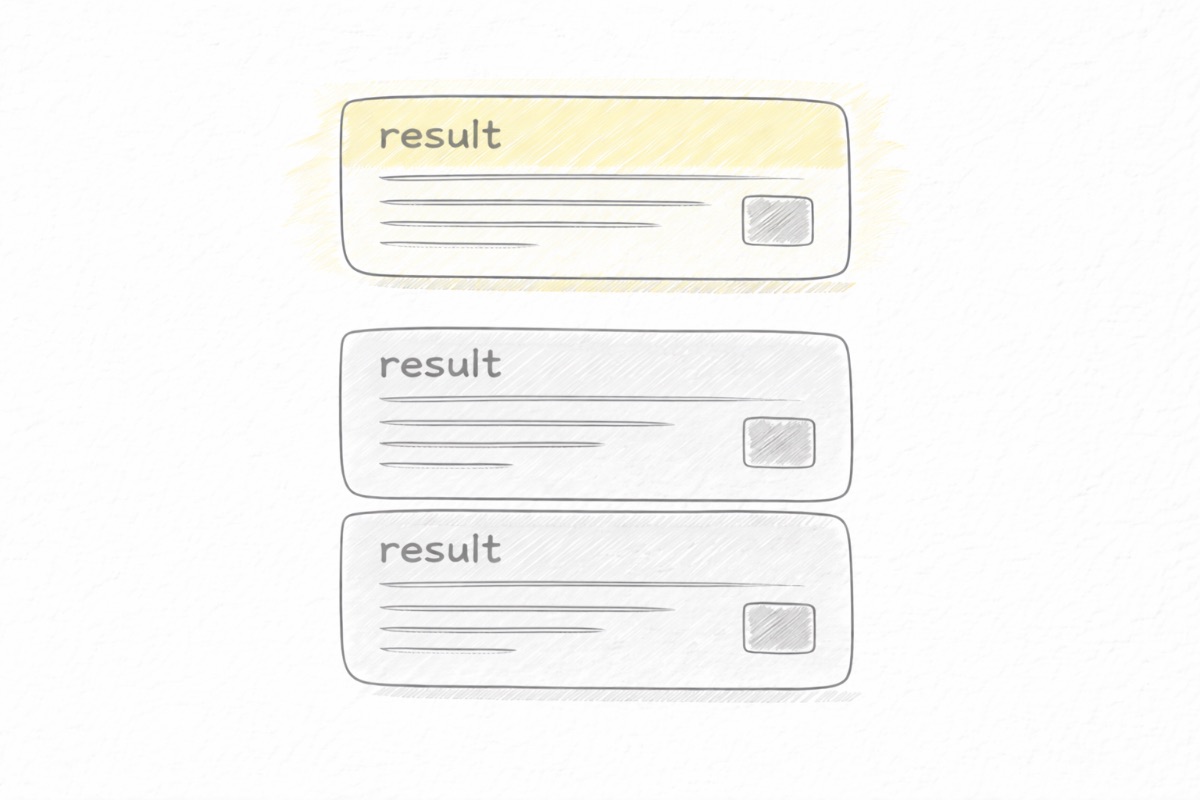
Your title tag is the clickable headline in search results. It's one of the strongest ranking signals and the primary factor in whether someone clicks your result.
Keep it under 60 characters to avoid truncation. Put your target keyword near the front. Make it compelling enough to click.
Bad: "Everything You Need to Know About Content Marketing Strategies in 2024 | Company Name"
Better: "Content Marketing Strategy: A Practical Guide for Small Teams"
The bad example is too long, buries the keyword, and uses filler words. The better example is concise, leads with the keyword, and promises something specific.
Test your titles mentally: if you saw this in search results alongside competitors, would you click it? If not, rewrite. Remember, this directly affects how people respond to your content in search results, one of the user behavior signals Google watches.
Meta Descriptions
Meta descriptions don't directly affect rankings, but they affect click-through rate, which affects rankings indirectly. A good meta description is a two-sentence ad for your content.
Keep it under 155 characters. Include your keyword naturally. It gets bolded in results when it matches the query. Tell the reader what they'll get.
Bad: "In this blog post, we discuss content marketing and various strategies you can use for your business. Read more to learn about content marketing."
Better: "A step-by-step content marketing strategy for teams of 1-3 people. Realistic publishing cadence, topic selection, and measuring what works."
The bad example says nothing. The better example tells you exactly what the post delivers and who it's for.
Header Structure (H1, H2, H3)
Headers create structure for readers and context for search engines. They should form a logical outline of your content.
Use one H1 per page. This is your main title. Use H2s for major sections. Use H3s for subsections within those sections. Don't skip levels (don't go from H1 to H3).
Your H2s should include relevant keywords where natural, but don't force it. "Step 3: Research Your Competitors" is fine. "Step 3: Research Your Competitors for SEO Keyword Research and Competitive Analysis" is stuffed.
Someone reading just your headers should understand what your post covers. If the headers are vague ("Introduction," "Discussion," "Conclusion"), rewrite them to be descriptive.
URL Structure
Keep URLs short, descriptive, and keyword-rich.
Bad: /blog/post-12847
Worse: /blog/2024/01/15/everything-you-need-to-know-about-content-marketing-strategies
Better: /blog/content-marketing-strategy
Use hyphens to separate words. Avoid dates unless your content is genuinely time-sensitive. Avoid unnecessary folders and parameters. Once a URL is published and indexed, don't change it unless absolutely necessary. You'll lose any authority that URL has built.
Image Optimization
Images need alt text that describes what the image shows. This helps accessibility and gives Google context about your images.
Write alt text like you're describing the image to someone who can't see it. "Screenshot of Google Search Console showing impressions over time" is good. "image1" is useless. "SEO keyword research content marketing strategy" is keyword stuffing.
Compress images so they don't slow your page. Use descriptive file names. A file named "content-strategy-example.png" is better than "IMG_2847.png."
Page Speed
Slow pages hurt rankings and frustrate users. Google's Core Web Vitals measure loading performance, interactivity, and visual stability.
The basics: compress images, minimize unnecessary JavaScript, use a good hosting provider, enable caching. If you're on a modern CMS like Next.js with proper configuration, most of this is handled for you.
Test your pages with Google PageSpeed Insights. Fix issues it flags as critical. Don't obsess over getting a perfect score. "Good" is good enough for most sites.
Mobile Experience
Most searches happen on mobile. If your content is hard to read on a phone, you're losing visitors and rankings.
Use responsive design that adapts to screen size. Make sure text is readable without zooming. Make sure buttons and links are easy to tap. Avoid interstitials that cover the content on mobile.
Test your pages on an actual phone, not just in browser dev tools. The experience often differs.
The On-Page Checklist
For every page you publish:
- Title tag under 60 characters, keyword near front, compelling
- Meta description under 155 characters, describes the content specifically
- One H1 that matches the title tag
- H2s for major sections, keyword-rich where natural
- Logical header hierarchy (H1 → H2 → H3)
- URL is short, descriptive, uses hyphens
- Images have descriptive alt text
- Page loads in under 3 seconds
- Content is readable on mobile
This isn't complicated. It's also not optional. Do it for every page, even when it feels tedious.
Common On-Page Mistakes
Missing or duplicate meta descriptions. Every page needs a unique meta description. If your CMS auto-generates them, check that they're actually useful.
Keyword stuffing. Using your keyword twelve times in a 500-word post doesn't help. It hurts. Write naturally. If the keyword appears three or four times in a long post, that's probably fine.
Ignoring internal links. On-page SEO includes linking to other pages on your site. Lesson 12 covers this in detail, but it's worth repeating: every post needs internal links.
Orphan pages. Pages with no internal links pointing to them are hard for Google to find and rank. Make sure every new page is linked from at least one other page. The Visual Sitemap Generator can help you spot orphans and other structural issues.
Over-optimizing for one keyword. A page can rank for many related keywords. Trying to force one exact phrase everywhere makes your content awkward. Include variations and related terms naturally.
On-Page SEO Is a Baseline
Nothing in this lesson will make mediocre content rank. On-page SEO is necessary but not sufficient. It's the foundation that lets your good content compete.
Get the basics right, then focus your energy on what actually differentiates: better content, more specificity, stronger structure, useful information. That's where rankings are won and lost. The 5-Pass Editing Framework is where you do that work.
Next: Lesson 12: Internal Linking as Architecture
Back to: Course Overview
Want this handled for you? The CopyJump SEO Agent applies these lessons automatically — research, briefs, internal links, and brand-aware drafts.
Meet the SEO Agent